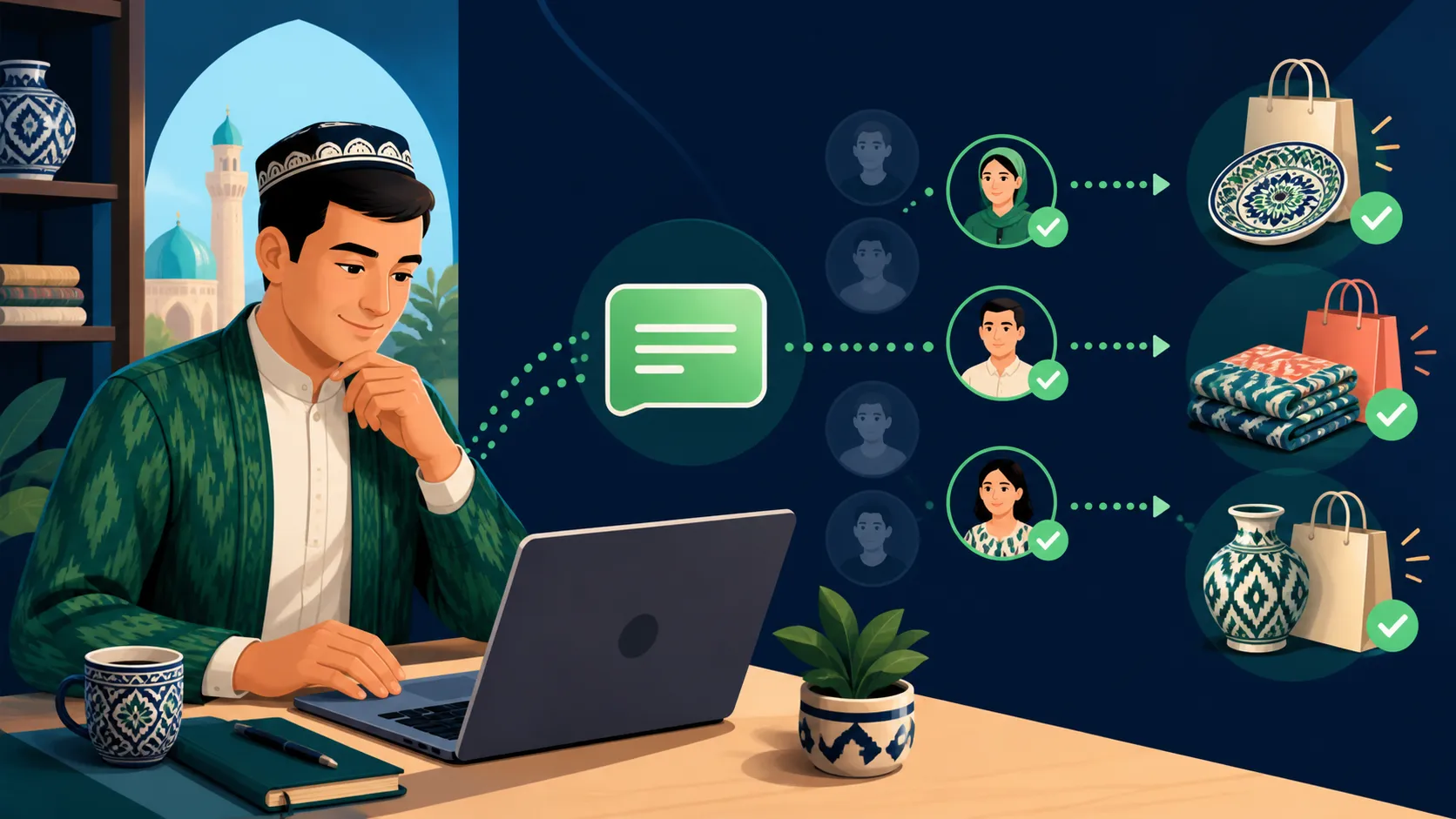
A Telegram bot can take payment without sending the buyer to a website: the bot sends an invoice, the buyer taps Pay, and the money arrives in your Click or Payme merchant account. Both providers work through Telegram’s built-in payments, so you do not need a developer — you need a provider token from @BotFather and a bot platform that can send invoices.
What you need before you start
- A Telegram bot created in @BotFather.
- A merchant account with Click or Payme. Both work with legal entities and individual entrepreneurs, under a contract; the provider charges its own commission on each payment.
- For Payme — a separate cash desk for the bot. Payme’s documentation is explicit: a Telegram bot works only with a cash desk created for a bot, not with your website’s cash desk.
- A bot platform that supports Telegram Payments. In AdChat this is the Request payment block, available from the Pro plan.
Step 1. Get a provider token in @BotFather
- Open @BotFather and send
/mybots. - Choose your bot, then Bot Settings → Payments.
- Pick the provider from the list: CLICK Uzbekistan or Paycom.Uz (Payme).
- Choose Test or Live.
For a live connection Telegram opens the provider’s own sign-in. For Payme you sign in with your Payme Business phone number and password and select the bot’s cash desk; the business must be active. For Click you sign in to your merchant account and pick the service that will receive the money.
When you finish, @BotFather shows a provider token. Treat it like a password: anyone who has it can issue invoices in your name.
Step 2. Try it with a test token first
Both providers offer a test connection in the same @BotFather menu — for Payme it is Connect Paycom Test, and it needs no registration. A test token lets you walk the whole path, from invoice to “payment received”, without moving real money. Switch to the live token only after the test invoice works end to end.
Step 3. Add the token to your bot platform
In AdChat, open Channels, choose your Telegram channel, and paste the token into Payments → Provider token. AdChat never shows the token again after you save it, and the change is recorded in the audit log.
Step 4. Add a payment step to the flow
Open the flow that leads to a purchase — an order form, a catalog, a booking — and add the Request payment block where the buyer has already chosen what to pay for. Fill in:
- Title — what the buyer pays for, up to 120 characters.
- Description — optional details: size, date, delivery.
- Amount — in whole so’m.
- Flow after payment — optional: a flow that starts when the payment succeeds, for example a thank-you message with delivery details and a tag
bought.
Publish the flow and send yourself a test order. The paid order appears on the Orders page with its amount and status.
Rules worth knowing before you go live
- Minimum amount. Telegram sets a minimum invoice amount for every currency, roughly equal to one US dollar — about 13,000 so’m in August 2026. An invoice below the minimum is rejected by Telegram. The current figure is in Telegram’s currency list.
- Private chats only. A bot can send an invoice to a person who has written to it, not to a group or a channel. Link the bot from your channel so that readers start a conversation.
- Telegram’s checklist for live bots. Your bot should answer
/termsand/support, you handle disputes and refunds yourself, and the owner’s Telegram account needs two-step verification. - Who holds the money. The payment goes from the buyer to your merchant account through Click or Payme. The bot platform never holds it, and AdChat takes no commission on sales.
- Instagram is different. In-chat invoices are a Telegram feature. In Instagram Direct a flow can send a payment link as a message, or pass the buyer to your Telegram bot.
Common questions
Do I need a developer? No. The provider token comes from @BotFather, and the invoice is a block in a visual flow. A developer is only useful if you want to write orders into your own system — the HTTP request block or Google Sheets covers that.
Can I use Click and Payme at the same time? A Telegram bot has one payment provider token at a time. Choose the provider your buyers use more; you can replace the token later.
What does the buyer see? A native Telegram invoice with your title, the amount and a Pay button. After paying they get a receipt inside Telegram.
Sources
- Telegram: Bot Payments API
- Payme: connecting a Telegram bot
- Click: payments through Telegram
Next: see how a store puts the whole path together — from the first product question to a paid order — on the e-commerce page, or check which plan includes in-chat payments on the pricing page.